How to Buy a Rabbit Card & Top It Up Using Mobile Banking
March 23, 2026 07:10 AM
Last edited: March 23, 2026

by Nam Thairanked
I love traveling and eating Thai food.
Search Hotels & Flights
Related Insights





Why You Need a Rabbit Card in Bangkok
BTS rush hour in Bangkok feels endless if you’re stuck waiting at ticket machines. A Rabbit Card lets you skip the coin exchange, breeze through fare gates, and pay for rides in seconds. For expats, travelers, and locals, figuring out how to buy a Rabbit Card and top it up by mobile banking puts time back in your day and stress out of your commute.
What Is a Rabbit Card?
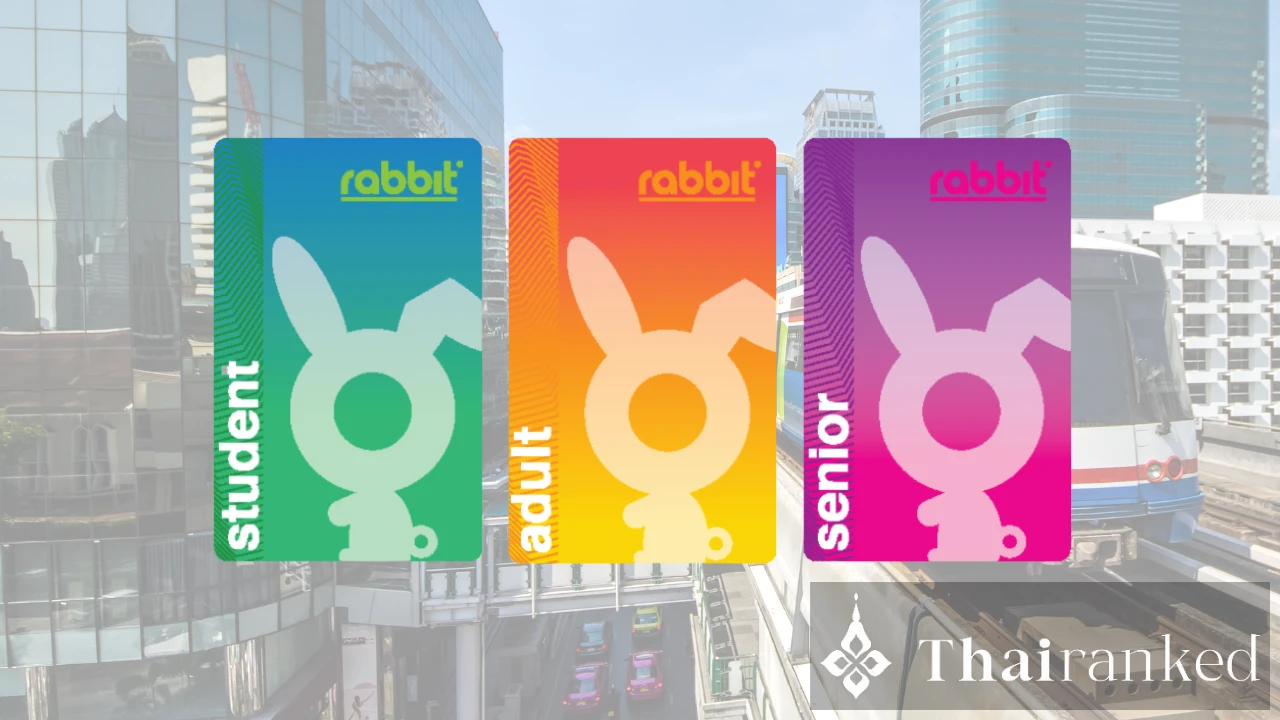
The Rabbit Card is a contactless payment card used on the BTS Skytrain and select bus routes. You can also pay at some convenience stores, cafés, and vending machines around the city. The main perk: no more fumbling for coins or waiting in lines at ticket counters.
Buying Your Rabbit Card: Step-by-Step
You can’t order a Rabbit Card online as a first-time buyer. You need to purchase yours in person at BTS stations or designated partner locations.
- BTS Skytrain Ticket Offices: Head to the customer service counter at any BTS station. Staff speak English and process requests fast.
- Required Documents: Bring your passport (for travelers/expats) or Thai ID (for citizens or those with long-term visas).
- Initial Cost: Card fee is 100–200 THB. Minimum initial top-up is 100 THB, so bring at least 300 THB in cash or use a debit/credit card at key stations.
Once issued, your Rabbit Card is valid for five years. Lost cards can be replaced, but you need your original application slip and ID. Learn more about getting around Bangkok in our BTS, MRT, and tuk-tuk survival tips.
Registering Your Rabbit Card
Register your new card at the same BTS counter. Registration protects your balance, lets you link the card to your name, and is essential if you want to use mobile banking top-ups or block your card if lost.
Top Up Your Rabbit Card via Mobile Banking
Mobile top-ups save time every week. Most major Thai banks support Rabbit Card top-ups through their apps, including:
- Bangkok Bank
- SCB (Siam Commercial Bank)
- Krungthai Bank
- Kasikorn Bank (KBank)
Steps to add funds using your mobile banking app:
- Open your banking app (e.g., SCB EASY, KPlus).
- Find the E-money or Rabbit Card menu. Search for services like "Top-Up Rabbit Card," under Payment, Transportation, or E-wallet sections.
- Add your card: The app prompts you to enter your 16-digit card number. It’s printed on the back of your Rabbit Card. You may be asked to create a nickname for the card.
- Choose top-up amount: Minimum is often 100 THB. Input the amount and follow the prompts to transfer funds from your bank account.
- Confirm the transaction: Some apps send a one-time password (OTP) for security. Enter the code if required.
- Sync the top-up: For BTS rides, tap your card at a Rabbit top-up kiosk/gate within 30 days after topping up. This step finalizes the balance transfer and updates your card.
Supported Mobile Banking Apps and Pro Tips
- SCB EASY: Tap "Rabbit Card" from the main menu, add your card, select top-up, and follow the payment prompts. SCB also lets you set up notifications for low balances.
- KPlus (KBank): Select "Top up", then "Rabbit Card", and add your card for future use.
- PromptPay compatibility: Not all banks support direct PromptPay to Rabbit Card transfers as of 2026. Use your banking app’s e-money section instead.
Topping up through your app works for most card types (standard Rabbit, Student, Senior). Issues sometimes occur with old, unregistered, or corporate cards. If your card isn’t recognized, re-register at a BTS station.
Benefits Over Traditional Top-Up Methods
- Skip lines at ticket counters and kiosks during peak hours.
- Reload from anywhere in Bangkok, even if you’re running late.
- Set up reminders and track spending in your bank app.
- Can link multiple Rabbit Cards (useful for family travel).
Many expats and digital nomads find mobile top-ups essential, especially on busy routes like Sukhumvit or Silom. See our guide to the most convenient BTS areas to live for commuters.
Linking for Extra Perks: Promotions and Cashbacks
From time to time, banks or Rabbit offer discounts, cashback, or bonus trips when you top up through a partner banking app. Check your bank’s promotions page, and always activate notifications for new offers in the app.
Some cafés, outlets, and vending machines give you discounts if you pay with a Rabbit Card. To make your commute even smoother, look out for Bangkok’s night markets that accept Rabbit for snacks or drinks along the way.
Tips for Smooth BTS Travel with Rabbit Card
- If your card doesn’t scan, check the balance in your mobile app or at a kiosk.
- Lost your card? Report it at any BTS station with your ID to transfer balance to a new card.
- Upgrade to a Rabbit LINE Pay card for cashless shopping and special transport deals.
Frequently Asked Questions
Can I use my Rabbit Card on the MRT?
No, Rabbit Cards work only on the BTS Skytrain, Airport Rail Link, and select partners, not on the MRT or intercity buses. Bangkok plans to expand interoperability, but you still need a different card for MRT rides. Read about hotel options near DMK Airport if you're arriving by Skytrain.
How do I check my Rabbit Card balance?
You can review your balance at the fare gate LED panel, BTS customer service counter, or via your linked banking app or wallet service.
Key takeaways
- Buy your Rabbit Card in person at any BTS Skytrain station with your passport or Thai ID.
- Register the card for security and mobile top-up access.
- Link to your mobile banking app for fast, queue-free recharge.
- Tap your card at a BTS kiosk or gate to sync mobile top-ups before using new funds.
- Keep an eye on bank and Rabbit promotions for extra travel savings.
by Nam Thairanked
I love traveling and eating Thai food.
Search Hotels & Flights
Related Insights
Compare taxi, Red Line train, and A1/A2 airport bus from Don Mueang Airport to Sukhumvit. Includes price, time, and convenience to help you choose the best route.
A foreigner's inside guide to the most luxurious VIP cinemas in Bangkok. Are $30 tickets, reclining beds, and unlimited snacks worth the price? Full ranking and review.
Avoid Songkran travel chaos! Tips for safely using BTS, MRT, and tuk-tuks in Bangkok. Learn water gun rules, wet zone warnings, and escape strategies.
Bangkok vs. Chiang Mai: Discover which Thai city is best for digital nomads. Compare city life, cost, community, and lifestyle for remote work in 2026.
Won the Thai lottery as a tourist? Learn exactly how to claim your winnings, where to collect, fees, taxes, and your rights as a non-Thai.
What people ask about
"How to Buy a Rabbit Card & Top It Up Using Mobile Banking"
Here you will find answer to the most popular questions.